
MT4 Alerts Let Koreans Manage Positions Through Late-Night US Sessions Without Staying Awake
Once Korean currency traders become familiar with the busiest market hours, they face another problem. The New York session starts in the Korean evening and continues into the early morning, with the exact hours changing during US daylight saving time. American economic data and Federal Reserve announcements can send dollar pairs moving sharply during these hours. Staying awake to watch every price change is difficult for anyone with work the following morning. Alerts built into trading platforms offer a way to follow important movements without keeping the charts open all night.
MetaTrader 4 has a built-in alert system in the Alerts tab of the Terminal window. Traders can set conditions based on bid or ask prices and choose whether the terminal plays a sound, sends an email, or delivers a push notification to a mobile device. Push notifications require the appropriate settings and a MetaQuotes ID. Custom indicators and expert advisors can go further, generating alerts when moving averages cross, account margin levels fall below a chosen percentage, or a position reaches a specified profit. These additional conditions depend on how the software has been programmed. The standard alert system does not monitor all of them automatically.
One limitation matters when setting up overnight notifications. Alerts created in the desktop MT4 terminal need that terminal to remain running and connected to the internet. If a computer goes to sleep or the application closes, those conditions are no longer checked. Traders who want notifications throughout the night can leave a computer running or use a properly configured virtual private server. The mobile application receives push notifications sent by the desktop terminal, but it does not independently monitor those desktop alert conditions. The phone can still have an internet connection, but no alert will arrive if the desktop terminal has stopped running.
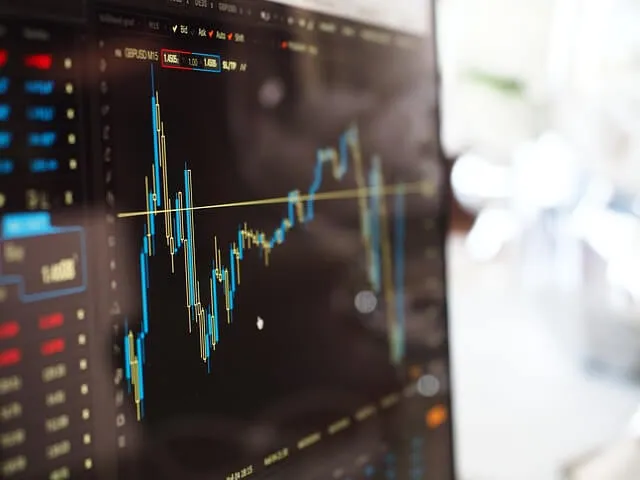
Image Source: Pixabay
Alerts are useful for monitoring prices, but ordinary alerts do not place trades or close positions. Stop-loss and take-profit instructions work differently because they are generally maintained on the broker’s server after being accepted. They can remain active when the desktop platform is closed, although the final execution price may differ from the requested level during gaps or periods of thin liquidity. Standard trailing stops have another limitation. They are managed by the client terminal, so the stop level stops moving when the terminal is no longer operating. The last stop-loss level successfully sent to the broker generally remains in place. Using alerts alongside protective orders can help with overnight monitoring, but neither removes the risk of an unexpected market move.
Smartphone settings deserve attention too. Do Not Disturb and sleep modes may silence trading notifications unless the device has been configured to allow them through. The available exceptions depend on the phone’s operating system and notification permissions, so a test alert is useful before relying on the setup overnight. Too many alerts can become a problem. A price level close to the current market may be crossed repeatedly during ordinary trading, causing notifications that offer little reason to act. Choosing a few important levels makes it easier to recognize when something has changed. Those might include prices that would invalidate a trade idea, areas where profits could be taken, or account conditions monitored through a custom expert advisor.
Overnight plans work better when the important decisions have already been considered before bedtime. Before going to bed, traders using MT4 can set alerts for important price levels and make sure their stop-loss and take-profit orders are in place. US economic announcements can bring sudden price swings, so those nights may need extra planning. A virtual private server can keep the alerts running after the computer is switched off, provided the terminal stays connected. Phone settings also need checking so important messages are not silenced. Even with everything set up, orders can still be filled at unexpected prices when the market moves sharply.